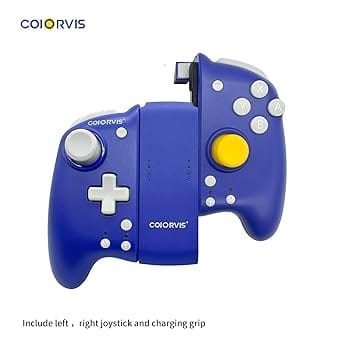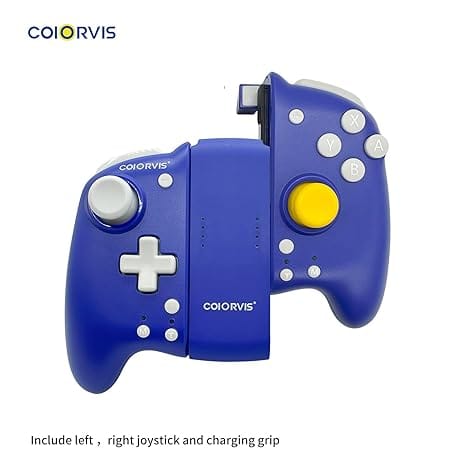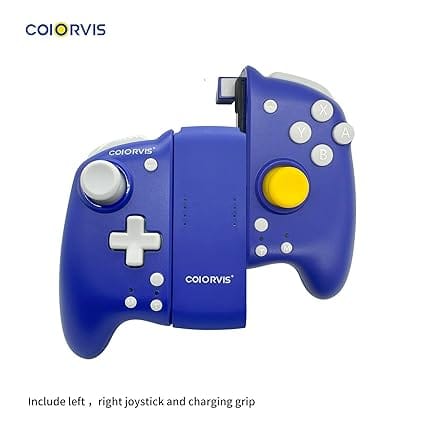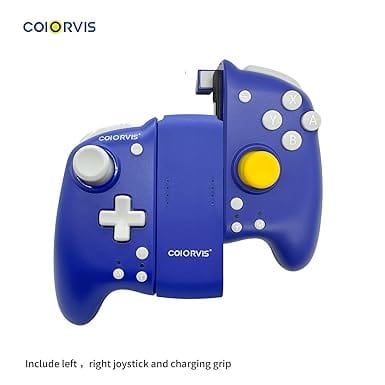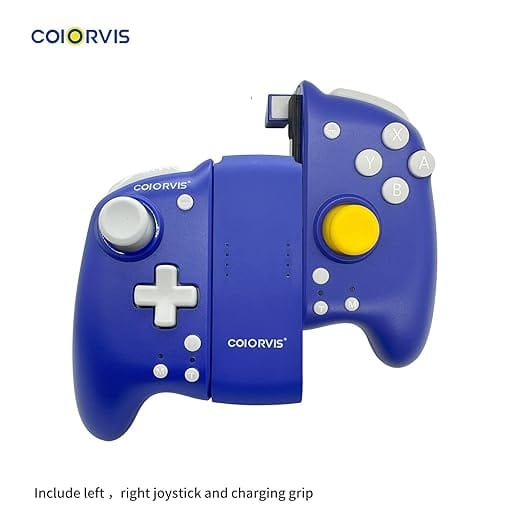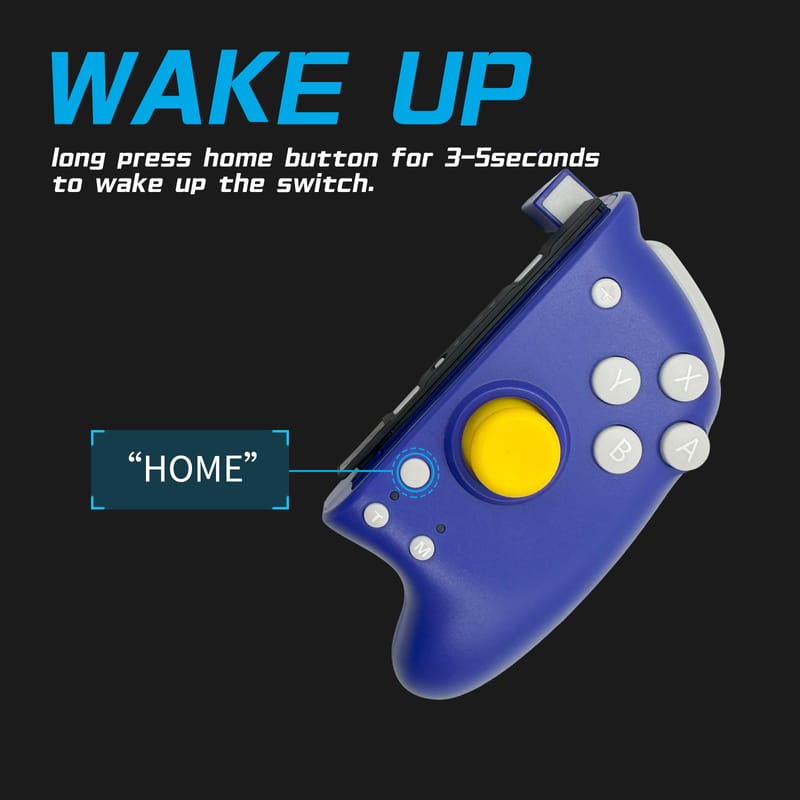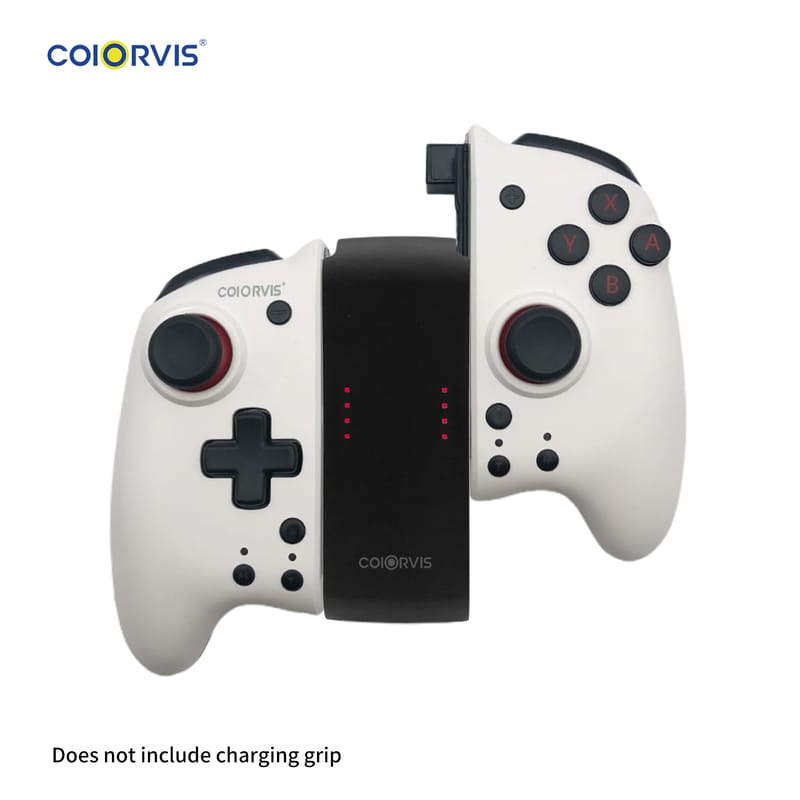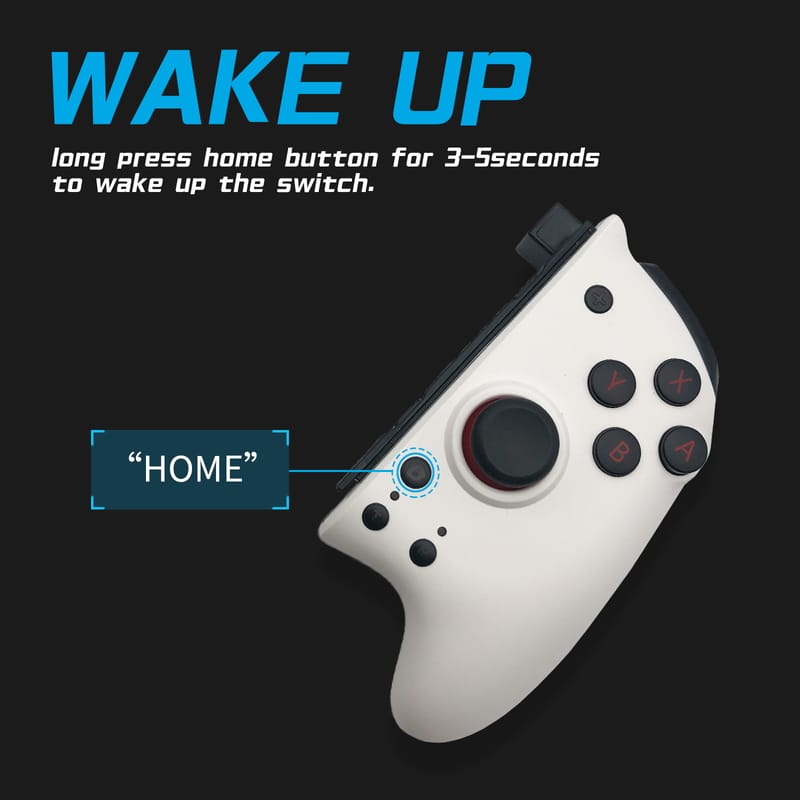
COIORVIS Joy Pad Controller for Switch\\/Switch OLED, Wireless Joy Con Switch Controller with Back Map Button\\/Turbo\\/Motion Control (Blue) alps joystick
Zoomed Image
COIORVIS Joy Pad Controller for Switch\\/Switch OLED, Wireless Joy Con Switch Controller with Back Map Button\\/Turbo\\/Motion Control (Blue) alps joystick

COIORVIS Joy Pad Controller for Switch\\/Switch OLED, Wireless Joy Con Switch Controller with Back Map Button\\/Turbo\\/Motion Control (Blue) alps joystick

90431862

Hurry up! 60.00% off sale ends in 00days 00: 00: 00
$27.60 $69.00
Lv.1 Lv.1
0% OFF
Color:
Black
Black-white
Blue
Quantity :
-
1
+
COIORVIS Joy Pad Controller for Switch\\/Switch OLED, Wireless Joy Con Switch Controller with Back Map Button\\/Turbo\\/Motion Control (Blue) alps joystick

Description

  • 4 mechanical buttons, 5 million times the key life.
  • Streamlined design helps to rest your hands.
  • The mapping function enables you to custom program buttons, for you to operate faster in the games and occupy the advantageous position of the game.
  • The Pro Controller for the Switch comes with dual haptic feedback motors and six-axis gyroscopic sensors, making the steering timely and accurate. More immersed in all motion-sensing games.
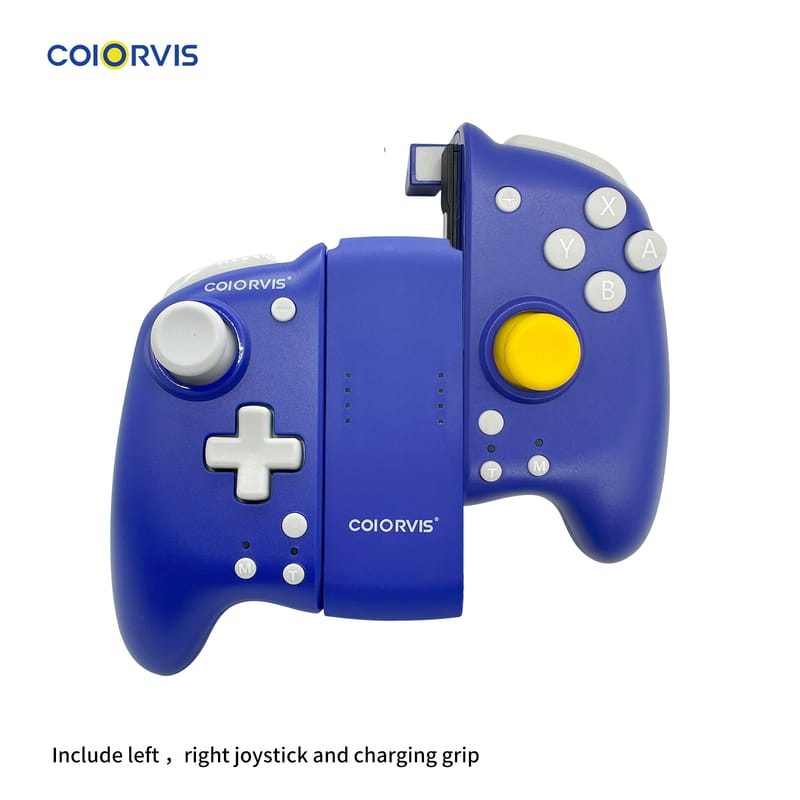
  • Our product comes with the controller grip stand, which could you utilize to access the tabletop mode, the controller itself acting as a standalone gaming device. Or to use the Joypad separately. Share the screen with your friend and fully have fun. Also, you can attach the Joypad to the console, freely playing games anywhere.

Coiorvis Wireless Joypad Controller for Switch

Coiorvis Switch Controller

Coiorvis Wireless Joypad Controller for Switch

Coiorvis Split Joypad has the following Funtions:

1.ALPS Joystic(Left and Right );

2.Magnetic Top Cover(white and black)'

3.One click Wake Up;

4.Dual Motor Shock;

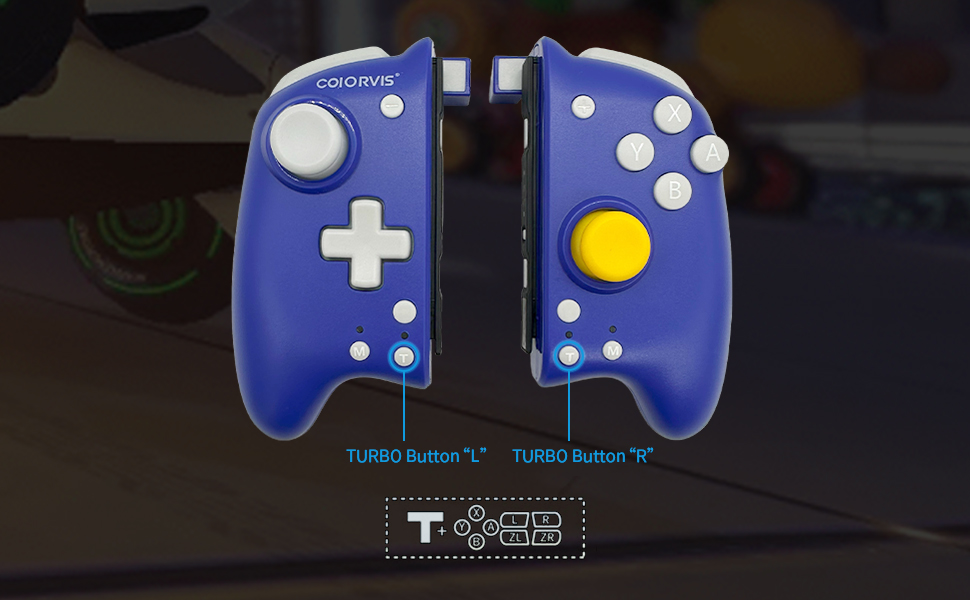
5.Manual and Auto Turbo Function;

6.Six-axis sense;

7.Ergonomic Desigh,Comfortable Grip;

Coiorvis Wireless Joypad Controller Buttons Description

Coiorvis Wireless Joypad Controller Butttons Description

Coiorvis Wireless Joypad Controller Buttons Description

Turbo Function for Coiorvis Joypad Controller

Turbo Function

Turbo Function for Coiorvis Joypad Controller

Turbo Function Setting:

1.The First Time Please Press the Turbo Function button(T)+any action buttons, you can set the specified button to manually Turbo;

(press the action button of setting Turbo,the indicator will flash)

2.Repeat the first step again to set the manual Turbo button to automatic Turbo;

(the indicator will flash continuously)

3.Long Press Turbo button to cancel the Turbo function.
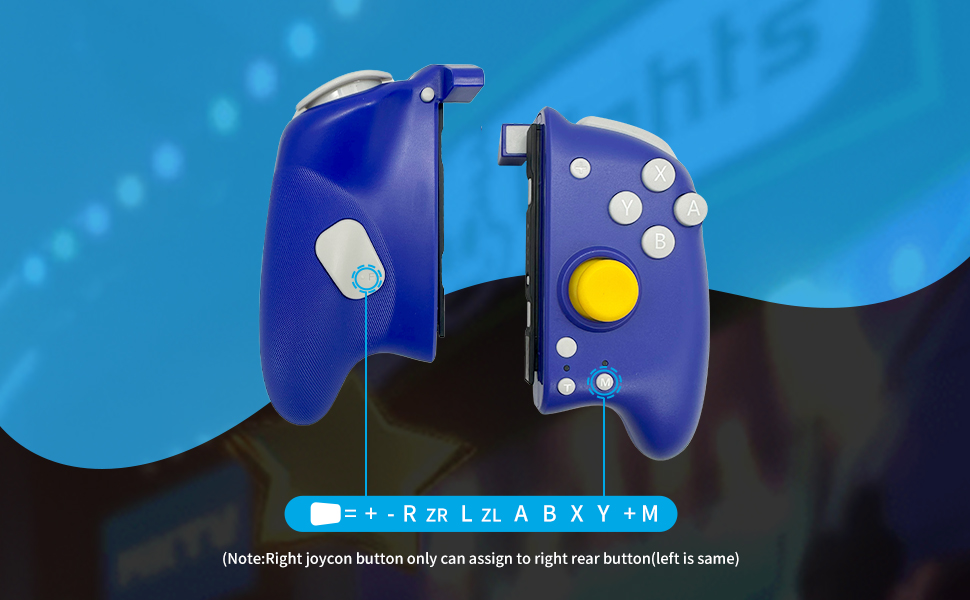
Coiorvis controller macroprogramming function

Coiorvis controller macroprogramming function

Coiorvis controller macroprogramming function

Macroprogramming Function:

1.Press "M" button + any action buttons to set the designated button as FL/FR Button;

2.Press "M“ button for 5 seconds to cancel the mapping function.

Coiorvis Bluetooth controller

Coiorvis Bluetooth controller

Coiorvis Bluetooth controller

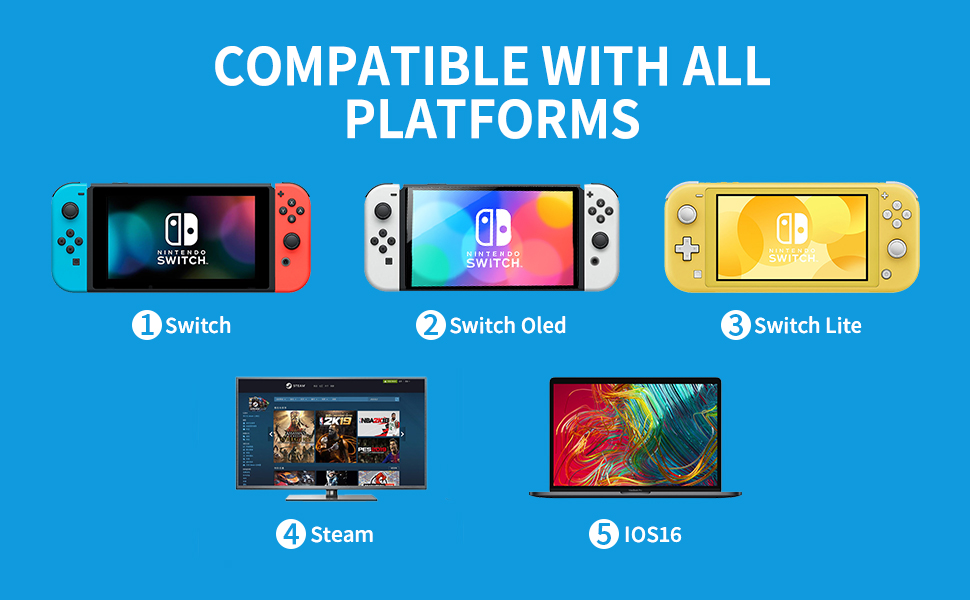
Coiorvis controller compatible with Switch, iphone/ipad ios16 , notebook steam game

Multiplatform  Compatibility

Coiorvis controller compatible with Switch, iphone/ipad ios16 , notebook steam game

Coiorvis Controller is compatible with Switch ,Switch OLED, iphone /ipad ios16, Notebook for steam games .

Coiorvis Wireless Joypad Controller Buttons Layout

Coiorvis  Joypad Controller Buttons Layout

Coiorvis Wireless Joypad Controller Buttons Layout

Reviews

(15 reviews)
5 star

0%
4 star

0%
3 star

0%
2 star

0%
1 star

0%
Average rating: 5
based on 15 reviews

Share your thoughts with other customers

Write a Review
Most Recent
Most Recent
Earliest
Highest Rating
Lowest Rating
Pictures First
Most Recent
Most Recent
Earliest
Highest Rating
Lowest Rating
Pictures First

猜你喜欢


We and our partners use cookies and other technologies to improve your experience, measure performance, and tailor marketing. Details in our Privacy Policy.
Customize Reject Accept
Chatting

COIORVIS Joy Pad Controller for Switch\\/Switch OLED, Wireless Joy Con Switch Controller with Back Map Button\\/Turbo\\/Motion Control (Blue) alps joystick

COIORVIS Joy Pad Controller for Switch\\/Switch OLED, Wireless Joy Con Switch Controller with Back Map Button\\/Turbo\\/Motion Control (Blue) alps joystick

$27.60 $69.00